A 2026 Forrester study found U.S. retailers with a strong overall customer experience see a 3.8x revenue lift from retention and upsells alone.
So why do growing brands still lose revenue to slow pages, scattered customer journey data, and ads that promise one thing but land somewhere else? The usual reason: they never had a clear place to begin. That’s what this guide is for: what digital experience solutions actually are, why they pay for themselves, and how to improve digital customer experience in five steps using tools you already pay for, each with a number you can hold us to.
What Are Digital Experience Solutions?
Put simply, digital experience solutions are the connected tools and strategies a brand uses to create, manage, deliver, and improve every online interaction a customer or employee has with the business. Your website, app, ads, email, support. All of it.
You can buy one big platform (a DXP, or digital experience platform) that tries to do everything, or build a lighter connected stack one tool at a time. Honestly, no single digital solution covers it all, which is why most U.S. brands mix the platforms they already own.
You’ve seen them a hundred times: the abandoned-cart email 20 minutes after checkout, the chat window that answers “where is my order?” handled with zero human help, or a quick phone booking that takes two minutes.
DX vs. CX vs. UX: What’s the Difference?
People use these interchangeably. The clean version:
- UX (user experience) is one screen or flow. One page, one form, one app.
- DX (digital experience) is every digital touchpoint together: site, app, ads, email, chat.
- CX (customer experience) is the whole relationship, online and offline, store visits included.
Why Digital Experience Drives Revenue
If you like receipts, here they are. McKinsey research shows 71% of consumers now expect personalized interactions from the brands they buy from. A Deloitte study summarized by web.dev found retail conversions jumped 8.4% when mobile sites got just 0.1 seconds faster. And Baymard Institute research puts average cart abandonment at 70%, with large stores recovering up to 35% more conversions just by cleaning up checkout design.
Better digital experience means stronger customer engagement, higher retention, and a lower cost to win each new customer. It’s a growth lever, not a design cost.
What Makes Up a Digital Experience Stack?
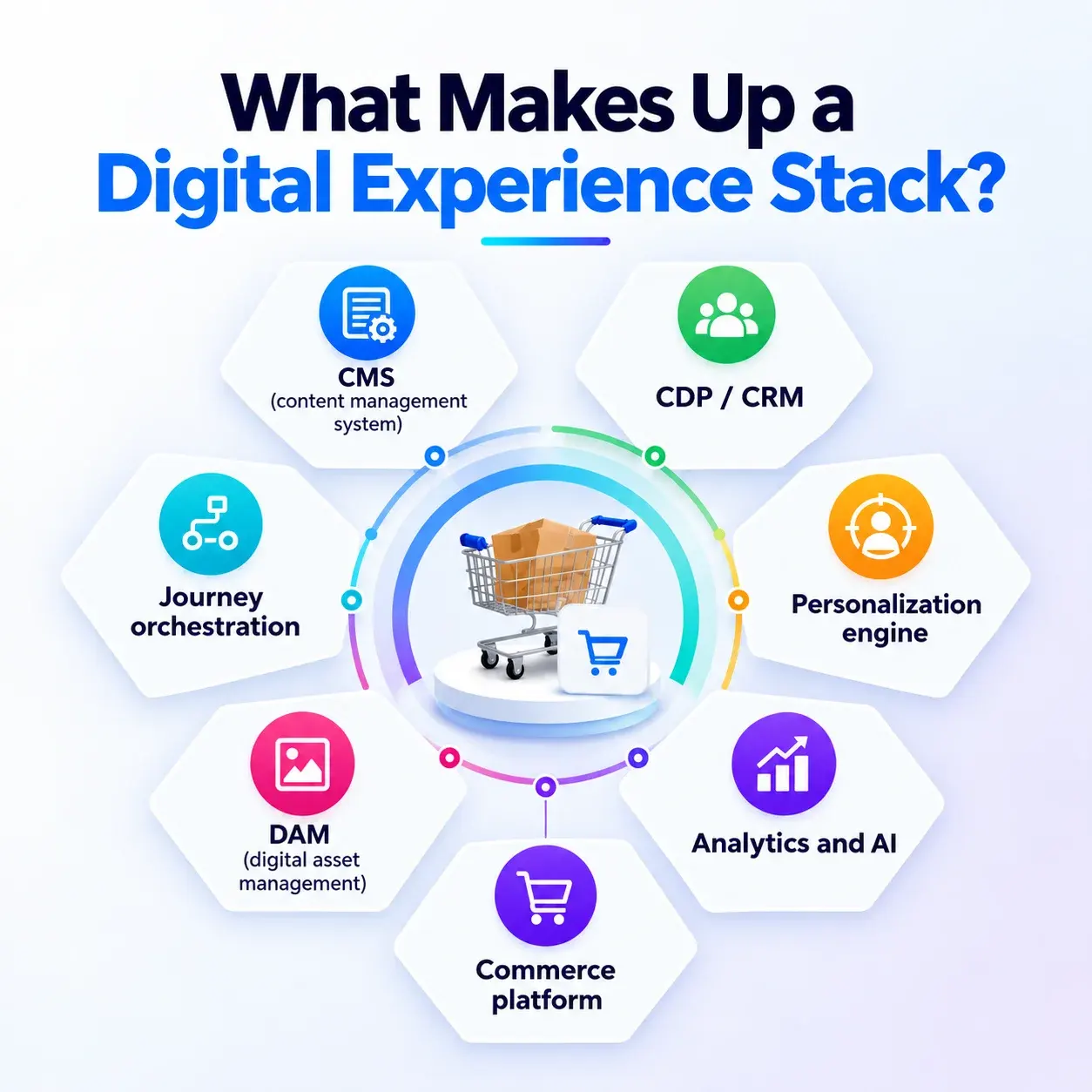
A digital experience stack is a set of layers, each with one job:
| Component | What it does | What the customer notices |
| CMS (content management system) | Creates, stores, and publishes content | Pages that load and look right |
| CDP / CRM | Unifies data into one 360-degree customer view | Emails that match what you browsed |
| Personalization engine | Delivers tailored content and recommendations | “Picked for you” product rows |
| Analytics and AI | Measures behavior and automates responses | Faster answers, fewer dead ends |
| DAM (digital asset management) | Organizes images, video, and files | Consistent photos across channels |
| Journey orchestration | Connects touchpoints into one flow | A smooth handoff from email to site |
| Commerce platform | Runs checkout and orders | A checkout that doesn’t fight you |
For many U.S. brands, that CMS layer is WordPress or Shopify. Bigger stacks add a headless CMS, A/B testing, and AI chatbots- the “composable” trend you’ll hear about in enterprise marketing.
This stack is the customer-facing half of your broader digital transformation solutions, and it’s lighter than most enterprise digital marketing solutions sold as one expensive suite. Build yours piece by piece, starting with your biggest problem.
How to Improve Digital Customer Experience in 5 Steps
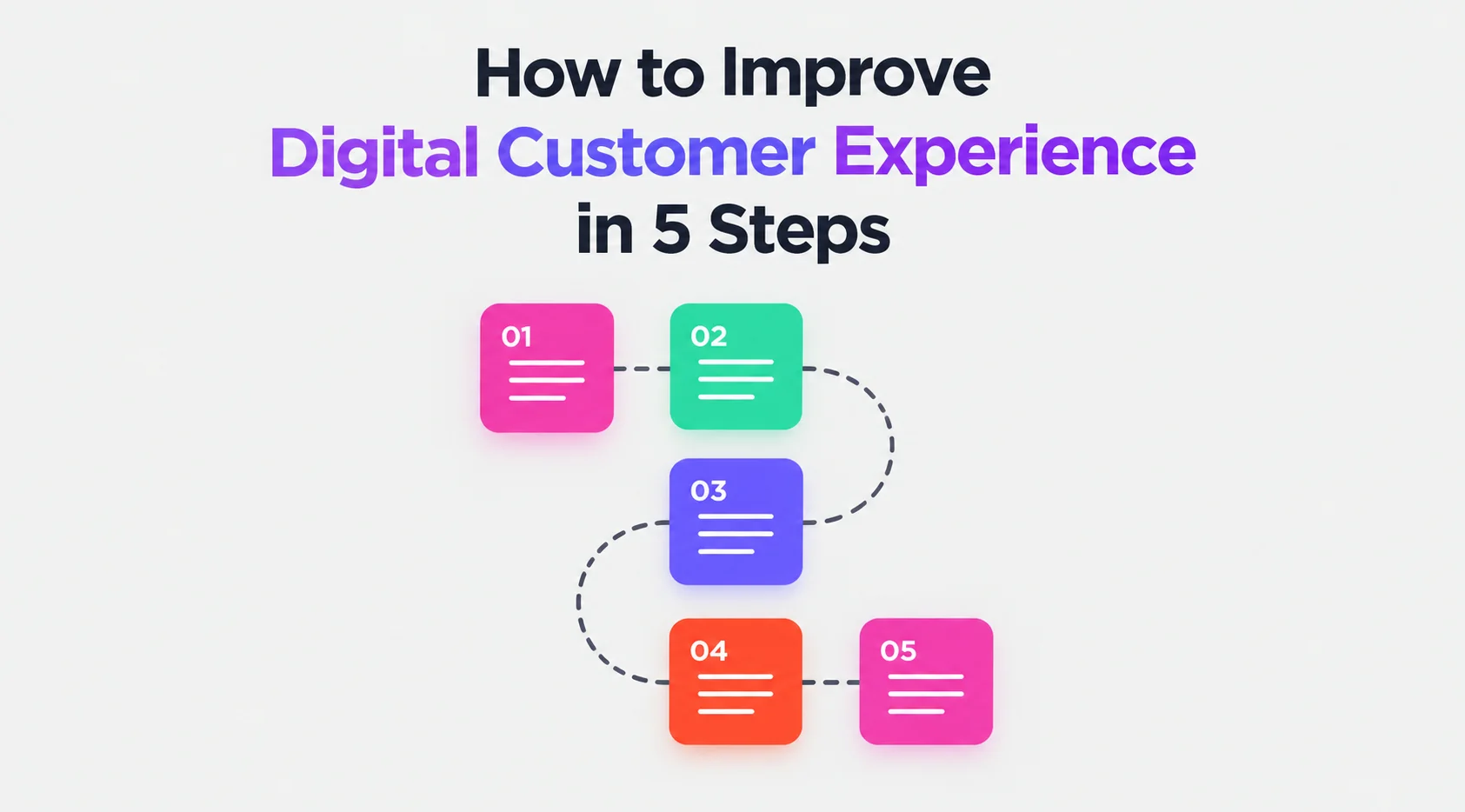
Work the loop in order: Audit → Fix → Connect → Align → Support.
Measurement hums in the center. Each step pairs one DX layer with tools you know, the number that proves it worked, and the service that handles it if you’d rather hand it off.
1. Trace Every Step Your Customer Takes
First, list 5 to 7 touchpoints: the ad click, landing page, product page, cart, checkout, confirmation email, support. Then find where people drop off, and why.
GA4’s funnel exploration shows you the step where you’re losing people. Microsoft Clarity recordings and rage-click reports show you why.
Picture this: GA4 flags shipping as your biggest drop-off. Recordings show a zip-code field rejecting valid entries. One form fix, closed.
How you’ll know it’s working: funnel completion climbing month over month.
2. Fix Speed, Mobile Design, and Checkout First
Speed is the cheapest revenue you’ll ever earn. Google’s Core Web Vitals targets set the bar: LCP under 2.5 seconds, INP under 200ms, CLS under 0.1.
- Prototype fixes in Figma before developing. Adobe XD works too if your team already has files there.
- Cut form fields, offer guest checkout, and show shipping costs early.
- Cover accessibility basics (alt text, contrast, keyboard navigation) with the W3C WCAG guidelines.
How you’ll know it’s working: a passing Core Web Vitals score on your top five money pages.
Want a faster, conversion-ready website? Our Web Development team rebuilds slow pages and leaky checkouts, with digital commerce solutions when your store needs more than a patch.
3. Connect Your Data and Personalize
Personalization feels creepy or clueless when data is scattered. Build one customer profile combining site behavior, purchases, email clicks, and support history first.
HubSpot pulls this off as a light CDP for smaller teams; Salesforce is the better fit for complex sales teams. Then personalize with first-party data customers agreed to share: content for returning visitors, recommendations, cart reminders tied to real sessions.
Watch for this: returning visitors converting at a higher rate than first-timers.
4. Keep One Message From Ad Click to Checkout
Your landing page should repeat the ad’s offer, visuals, and price. That’s what an omnichannel experience really means: not being everywhere, but being consistent everywhere.
We see this miss all the time. A shopper taps a TikTok ad for a $29 bundle and lands on a homepage with no bundle in sight. They bounce. You paid for that click.
Match channels to jobs: high-intent Google Ads for ready buyers, Meta Ads retargeting for people who browsed but left, TikTok Ads for discovery at the top of the funnel. Keep consistent, on-brand visuals across ads and landing pages so nothing feels like a bait-and-switch.
Success looks like: landing page conversion above account average, with the ad message finally matching the page.
5. Make Help Fast With Self-Service and Support
Most customers want to self-serve first. Let them:
- Short how-to product videos and animated explainer videos answer your top ten questions before anyone contacts you.
- A chatbot handles the simple stuff and hands off to a human fast.
- Give support staff the same CRM view so customers never repeat their story. Great employee experience behind the scenes is what great customer experience looks like on screen.
Virtual assistants run this layer around the clock: inbox, chat, social DMs.
The target: first response time under one hour during business hours.
How to Measure Your Digital Experience Strategy
Skip the twenty dashboards. Pick a few KPIs, check monthly, re-audit each quarter fully:
- Core Web Vitals pass rate on money pages.
- Conversion rate and drop-off by funnel step in GA4.
- Cart abandonment in comparison to the 70% industry benchmark.
- CSAT and CES from on-page surveys using Hotjar.
- NPS after delivery or onboarding.
- First response time on support.
- Repeat purchase rate, the number retention is built on.
If three or more creep up each quarter, your digital experience strategy is doing its job.
Frequently Asked Questions
What is a digital experience platform (DXP)?
One suite combining CMS, personalization, analytics, and delivery. Powerful, but a connected stack of best-of-breed tools usually fits smaller budgets better.
How does AI improve digital customer experience?
Chatbots, product recommendations, predictive search, automated personalization. In practice: faster answers and more relevant content at every touchpoint.
Do small businesses need digital experience solutions?
Yes, and they benefit most. Fixing speed, checkout, and data connection takes no enterprise budget, just the right order of steps.
How long does it take to see results?
Speed and checkout fixes can move conversions within weeks. Data and personalization gains build over one to two quarters.
Get Digital Experience Solutions Under One Roof
One more time: find the friction, fix speed and checkout, connect your data, align ads with landing pages, make help fast. No enterprise suite required, just the right sequence and the right hands.
At Track-Pad, all eight services live under one roof: Google Ads, Meta Ads, TikTok Ads, Web Development, Graphic Design, Video Editing, 2D Animation, and Virtual Assistant support.
Ready when you are. Book a free consultation, and we’ll show you exactly which step to fix first.